
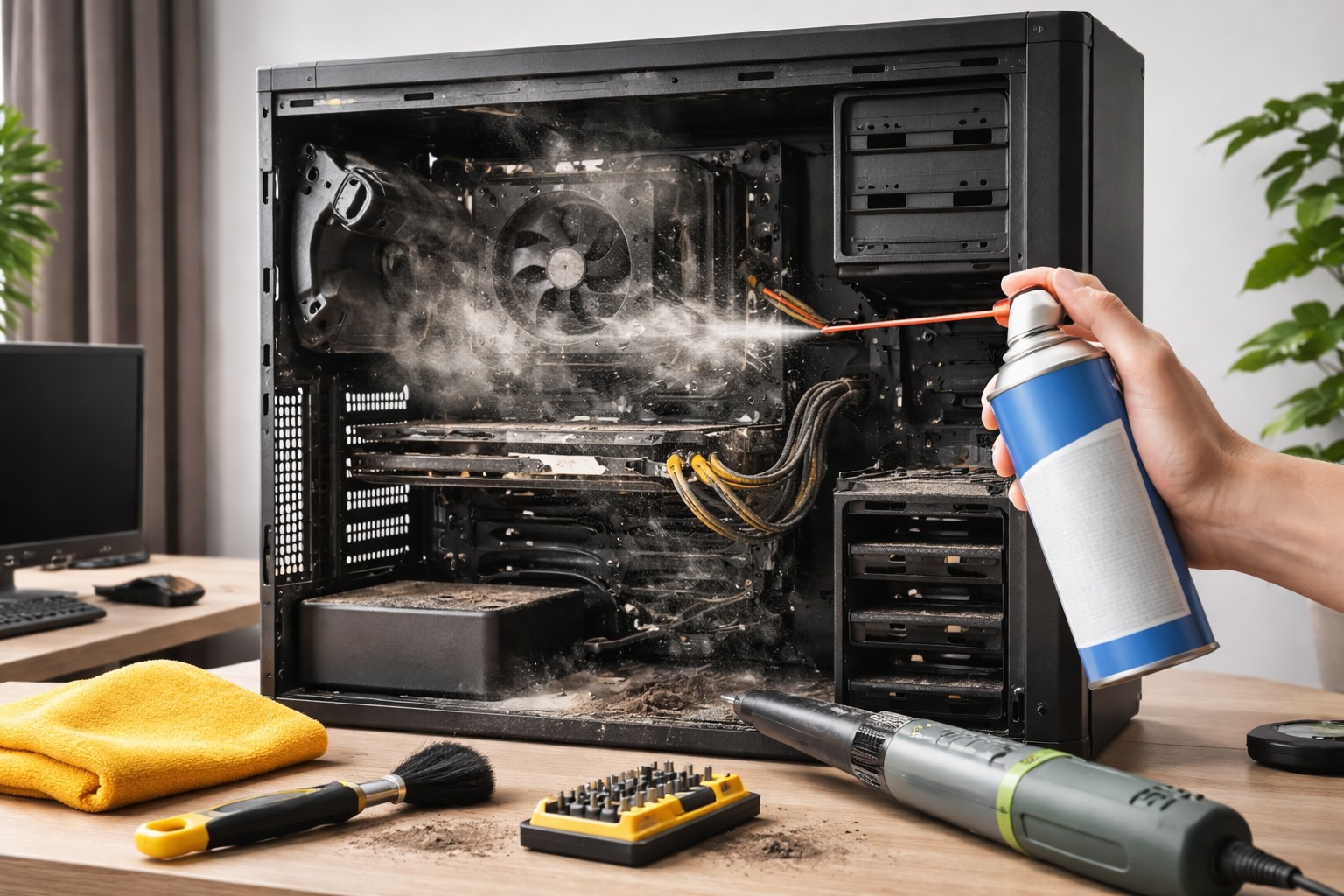
The accumulation of contaminants inside the case is the main reason why equipment begins to make noise And bask. The layer of dust acts as a “coat” that traps heat on important components, leading to reduced performance and even breakdowns. Regular cleaning not only restores silence, but also prolongs service life equipment.
Preparation and tools Before starting work, be sure to completely cut off the power computer. It is not enough to simply press the power button – you need to unplug the cord from the outlet and switch the toggle switch on the power supply. For high-quality cleaning you will need a can of compressed aira soft brush (can be used for makeup or drawing) and a microfiber cloth. Use regular vacuum cleaner It is strictly not recommended for cleaning boards, since static discharge from the nozzle can damage the microcircuits.
Cleaning Procedure Remove the side cover of the chassis to gain access to the components. Pay special attention to the cooling system: radiators and ventilators. This is where a dense felt of dust accumulates. Blow compressed air into them in short bursts, holding the blades with your finger to prevent them from spinning too much. After knocking down the main dirt, gently brush off the remaining soft brush from hard-to-reach places and the bottom of the case.
What not to do Do not wipe the internal parts under any circumstances. damp cloth. Even the smallest amount of moisture that gets into the RAM slot or motherboard can cause a short circuit when turned on. Also, you should not blow on the boards with your mouth: droplets of saliva fly out along with the air, which provoke contact oxidation.
Regular maintenance of equipment helps to avoid processor throttling and freezes at the most critical moments. A clean computer runs smoothly, quietly, and performs tasks with maximum efficiency. Timely maintenance significantly extends the life of expensive equipment.
About the Author