
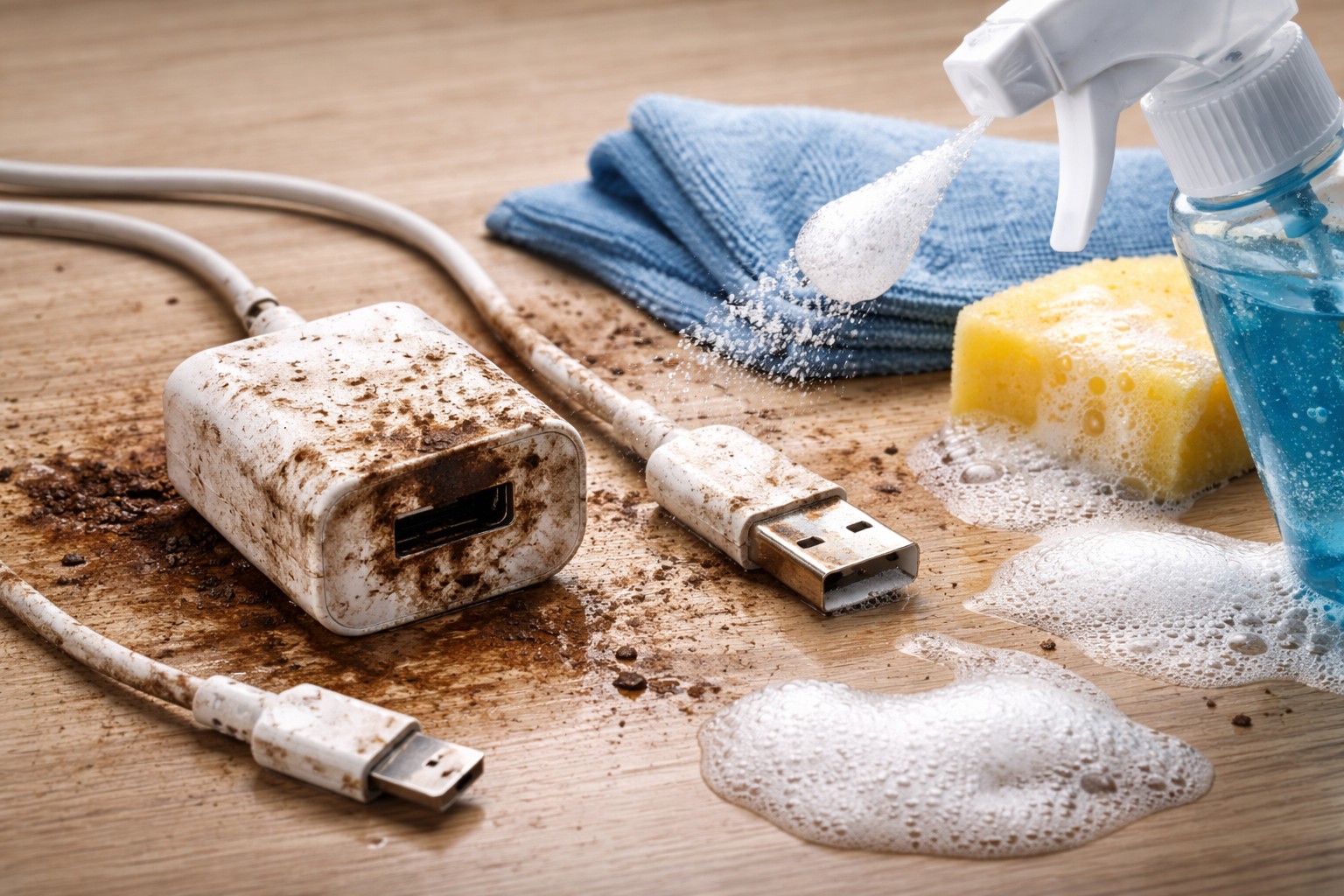
A dirty cable or power supply is not only an aesthetic problem, but also a potential threat to your gadget. accumulated dust and dirt in the connectors can lead to overheating, poor contact and even failure of the device. Regular cleaning of accessories helps prolong their life and maintain appearance technology.
Returning whiteness to the cable
Over time, the white wires from Apple and other manufacturers turn yellow or gray. To fix this, you don’t have to buy a new charger. The safest means for cleaning rubber and silicone braiding is regular micellar water or alcohol wipes.
Apply the product to a cotton pad and, with light pressure, wipe the wire along its entire length. This will remove the surface layer of grease and dirt. If the contamination is strong, you can use a solution laundry soapbut be careful not to get any liquid on the metal plugs. Some people use a melamine sponge to remove stubborn stains, but you need to be careful not to damage them. isolation.
Removing debris from connectors
The most critical part is cleaning the Lightning, USB-C, or micro-USB port. This is where pocket lint accumulates and prevents the contacts from making a tight connection.
-
Use a container with compressed airto blow out the dust.
-
If the pile is compressed, carefully pry it off wooden toothpick.
-
Never use metal needles or pins as they may short out the contacts.
A clean connector guarantees fast charging and no errors when connecting to a smartphone.
What absolutely should not be done
When caring for electronics, it is important to follow safety precautions. The main rule is never wash chargers under running water or soak them. Moisture that gets inside the power supply will cause short circuit the next time you turn on the network.
Also avoid harsh solvents such as acetone or gasoline. They can dissolve the plastic casing and corrode the rubber casing of the cable, making it dangerous to use.
Timely and careful care of accessories guarantees their stable operation for many years.
About the Author