
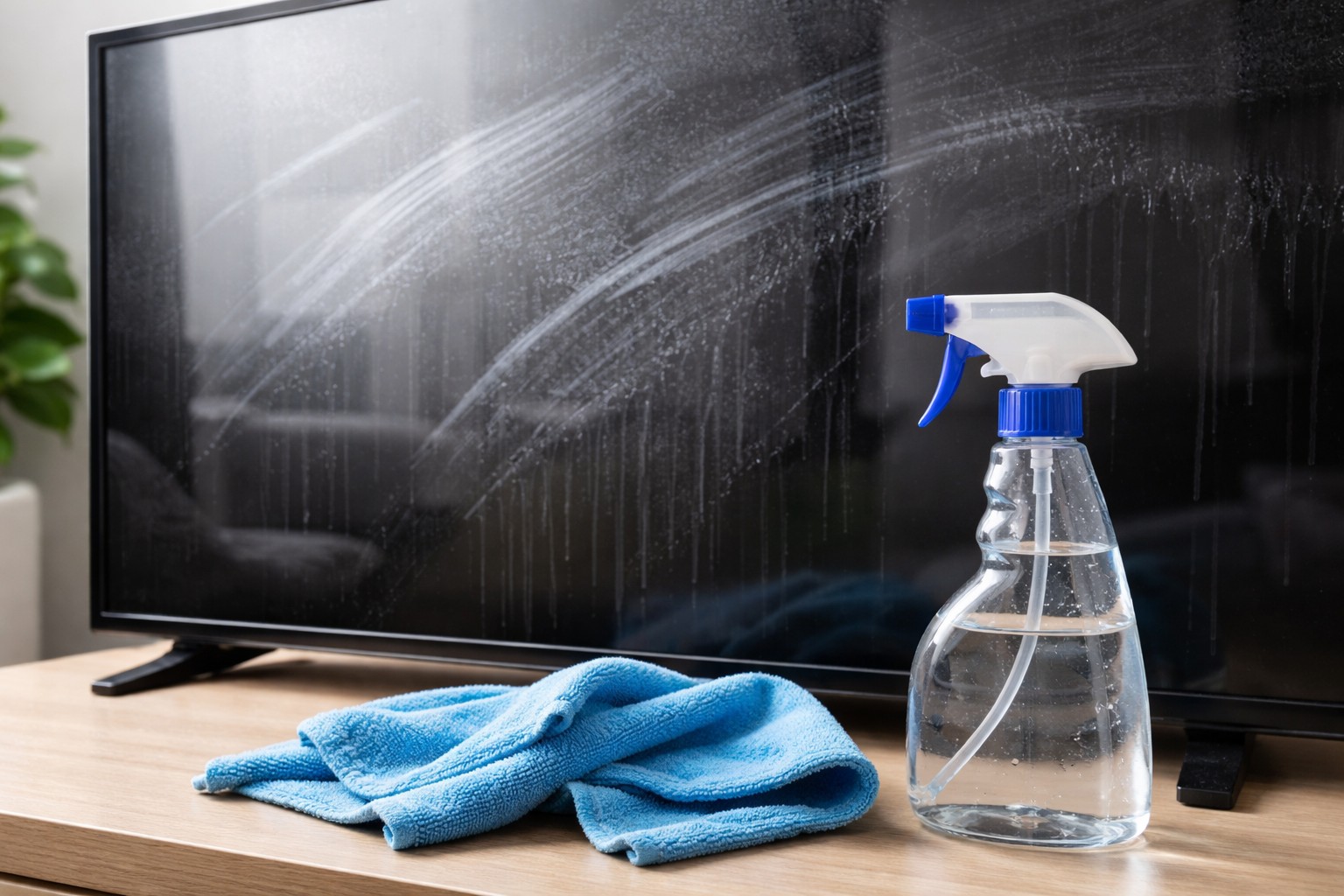
It would seem that wiping the display of a smartphone, monitor or TV is an elementary task. However, the result is often disappointing: instead of crystal clarity, cloudy stripes appear, which are visible from a certain angle. Most often, the reason lies not in the quality of the screen itself, but in improper cleaning technique or incorrectly selected tools.
One of the main reasons for the occurrence of divorces is the use dirty rags. Even if the napkin looks clean, it may still have microscopic particles of oil from your fingers or dust from previous cleanings. When you start wiping the surface, you are simply spreading this grease in a thin layer across the glass. For ideal results, use only fresh or well-washed microfiber cloth.
The second common mistake is excess moisture. Many users spray the cleaner directly onto the screen, which is strictly prohibited. Liquid can not only flow under the case and damage the matrix, but it also dries unevenly, leaving stains. The correct method involves applying the spray to the fabric, which should only be slightly dampnot wet.
Do not forget about the chemical composition of the liquid. Conventional window cleaners often contain ammonia or alcohol in high concentrations, which have an aggressive effect on the oleophobic (grease-repellent) coating of gadgets. Over time, this protective layer becomes thinner, and the screen begins to collect fingerprints and smears much faster than before.
To get rid of streaks, always finish buffing with the dry side of a microfiber cloth. Movements should be soft and circular, without strong pressure. This allows any remaining moisture to be removed before it evaporates naturally, leaving behind a mineral residue. A clean screen not only looks aesthetically pleasing, but also reduces eye strain when working.
About the Author