
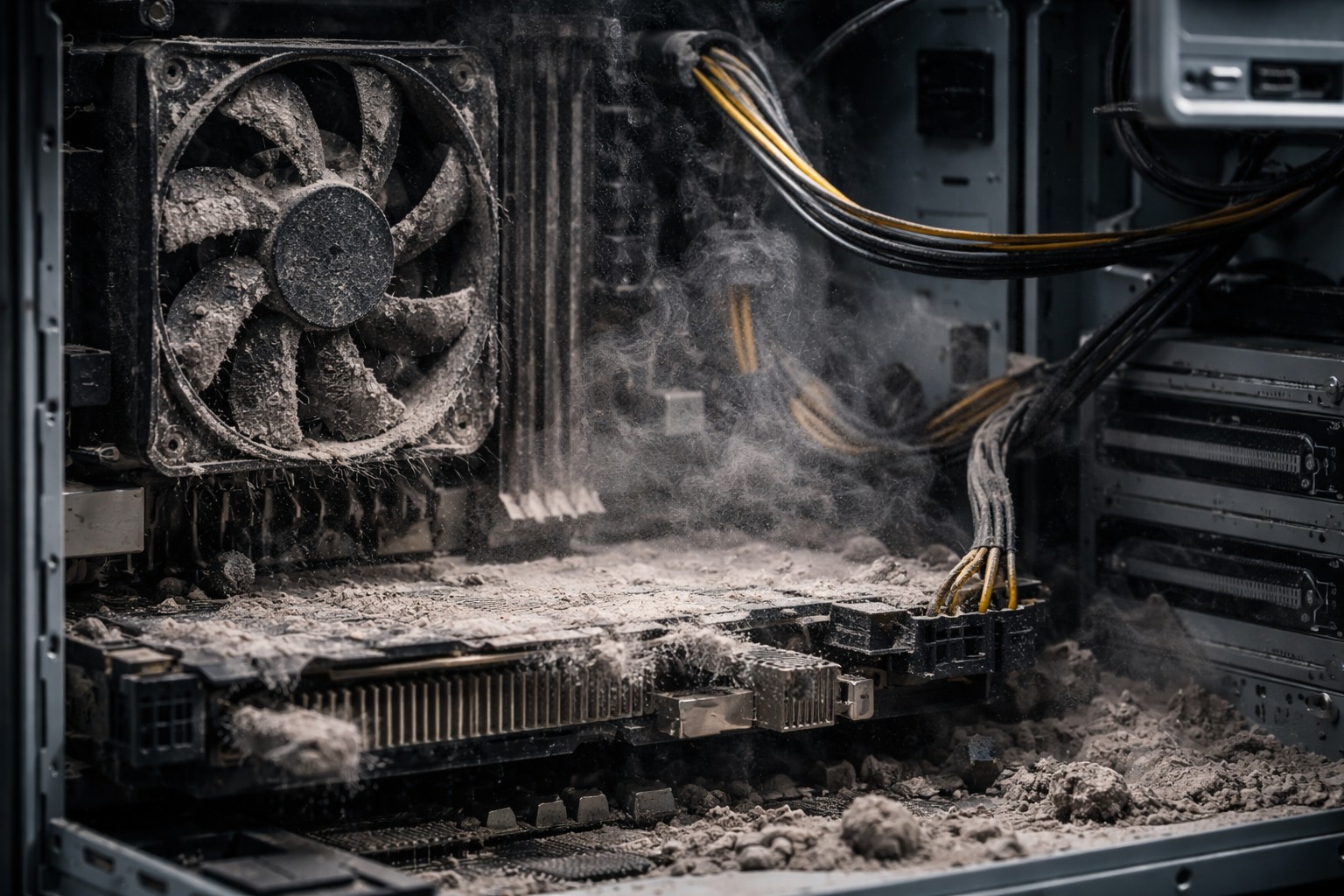
Many users are accustomed to wiping their monitor screen or keyboard, but rarely think about what is happening inside the device. It seems that the gray coating on the boards is just an aesthetic problem that does not affect performance in any way. However, it is dust accumulation is one of the most common causes of serious breakdowns of expensive electronics, reducing its service life several times.
Thermal coat effect
The main problem that pollution creates is the disruption heat exchange. Heatsinks and fans in laptops and desktop computers are designed to effectively remove heat from the processor and graphics card. When a layer of dust covers these components, it acts as a tight insulator.
The result is a “fur coat” effect. Hot air is not blown out, but circulates inside, heating the components to critical temperatures. This leads to rapid drying thermal pastewhich further aggravates overheating and can cause a system shutdown.
Risk of short circuit
Dust itself rarely conducts electricity, but its composition is heterogeneous. The danger increases many times with increasing air humidity indoors. Accumulated dirt absorbs moisture from the atmosphere, turning into a conductive substance.
If such a wet lump gets on the contacts of the microcircuits or motherboarda short circuit may occur. Unlike overheating, after which equipment often simply turns off, a short circuit can physically burn out traces on boards or damage power circuits, which will require expensive repairs or complete replacement of the device.
Performance drop
Modern processors are equipped with a smart overheating protection system called throttling. When the chip temperature approaches a critical point, the system forcibly reduces the clock speed and performance to reduce heat generation.
The user notices this as sudden “brakes”, freezing in games or slow browser operation. You may be looking for software errors or viruses, when the real reason lies in clogged ventilation holes.
Mechanical wear of the cooling system
Fans, or coolers, have rotating elements that need to be balanced. When the blades become covered with a dense layer of dirt, their weight increases unevenly, leading to imbalance and increased vibration. This creates extra acoustic noise and noise when working.
Over time, the increased load destroys the fan bearing, and it can stop completely. Stopping the cooler while the computer is running under load threatens to instantly overheat key components.
Timely prevention and cleaning of internal components allows you to avoid the problems described and keep your equipment in working condition for many years.
About the Author