The cleanliness of the workplace directly affects performance, but it is the computer buttons that collect the most dirt. Dust, small crumbs and fingerprints not only spoil the aesthetics, but can also lead to Sticky keys or device failure. In order for cleaning to be effective and not damage the electronics, it is important to choose the right products and follow the sequence of actions.
The following tools are ideal for regular maintenance:
-
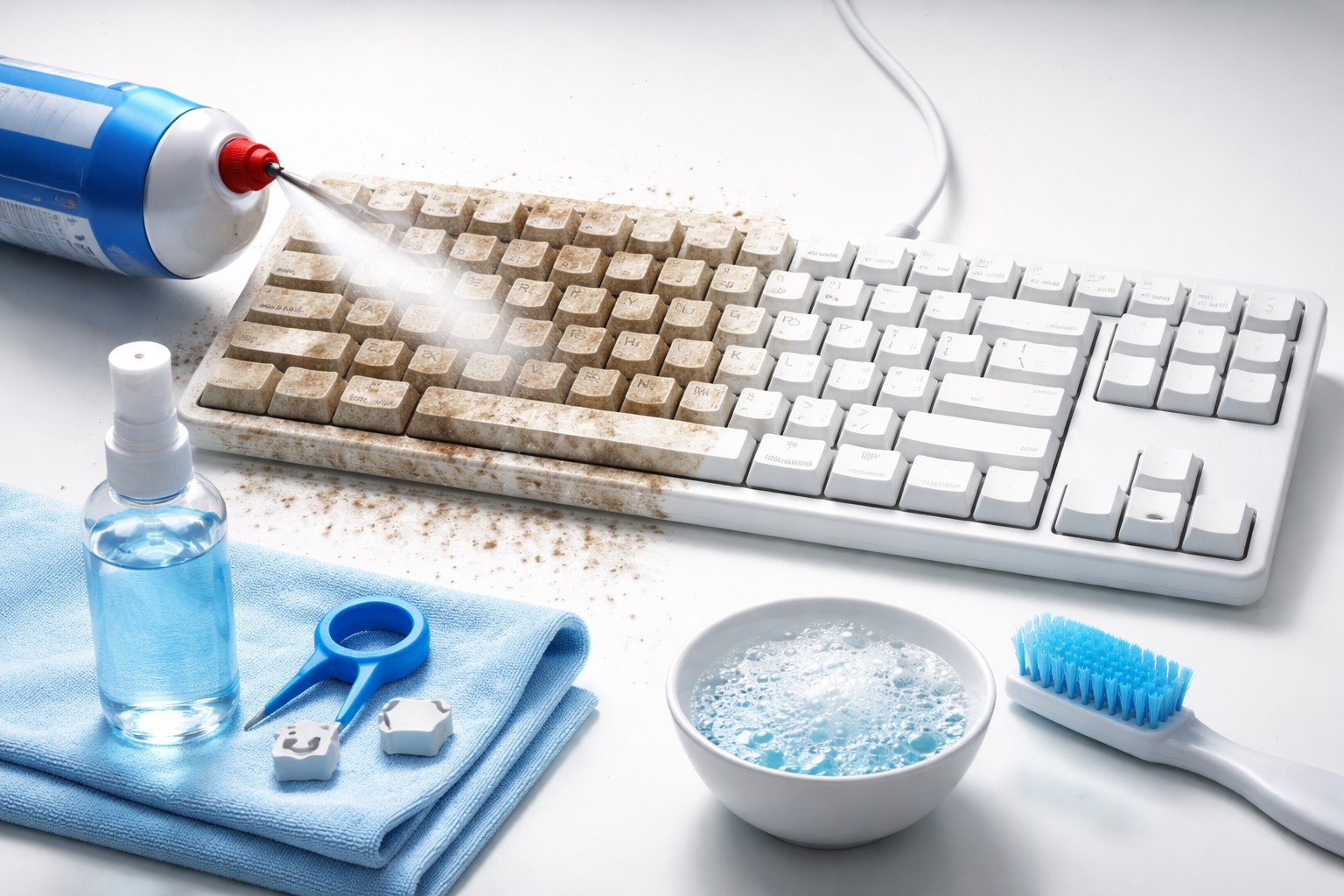
Compressed air cylinder – the safest way to blow debris out of hard-to-reach areas under the buttons.
-
Special slime or cleaning gel – it penetrates into the cracks and literally absorbs dust.
-
Microfiber – a soft cloth that does not leave lint and gently polishes the surface.
-
Isopropyl alcohol – the best means for disinfection, as it evaporates quickly and does not oxidize contacts.
The process should begin by completely turning off the power. If you are using a laptop, be sure to turn it off and unplug it. Turn the device upside down and shake it gently to remove large particles. Then blow compressed air along the rows, holding the can vertically to avoid condensation getting into the mechanism.
To remove grease stains and marks, it is better to use cotton swabs slightly moistened with an alcohol solution. It is important to prevent liquid from entering the housing. Particular attention should be paid mechanical keyboardswhere the gaps between the keys are larger, which means dirt accumulates faster.
Regular maintenance once a week prevents the development of bacteria and extends the life of expensive peripherals. A competent choice of cleaning products helps maintain the sensitivity of the sensors and clear key travel for a long time.
About the Author